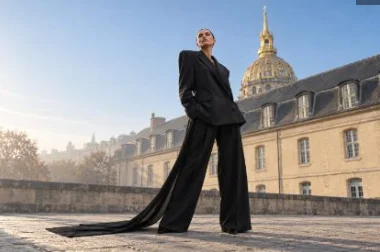
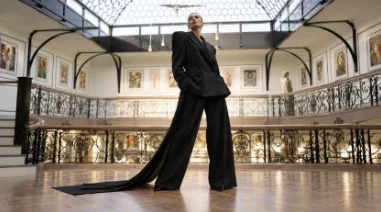
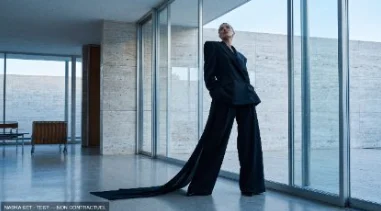
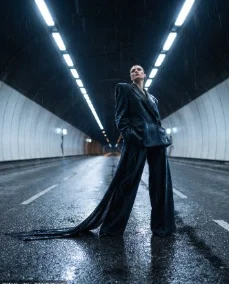
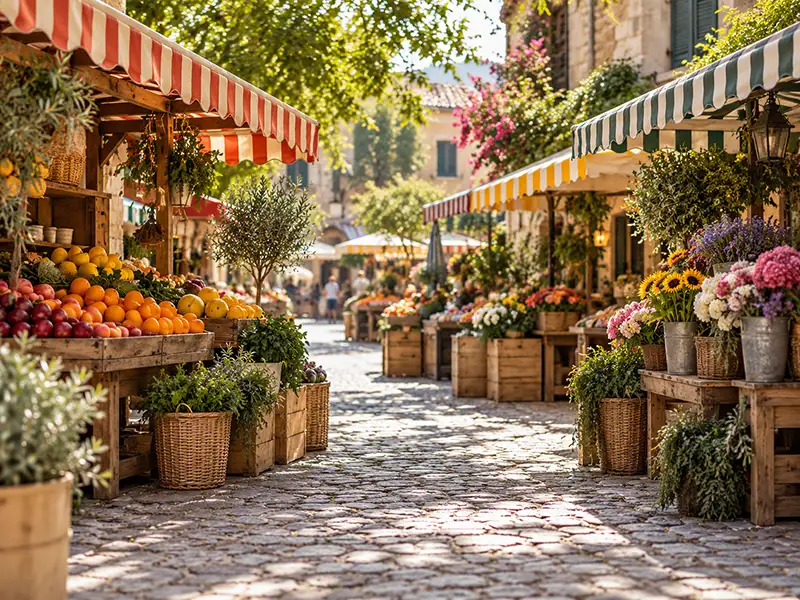
Generated
01Describe it, or start from a location type, family by family.
A tour of every tool, as your team uses it: compose, choose, lay out, get approval.
Request a trialSwipe to see the whole screen.
Seconds after the shot, the image is ready to judge in its final layout.
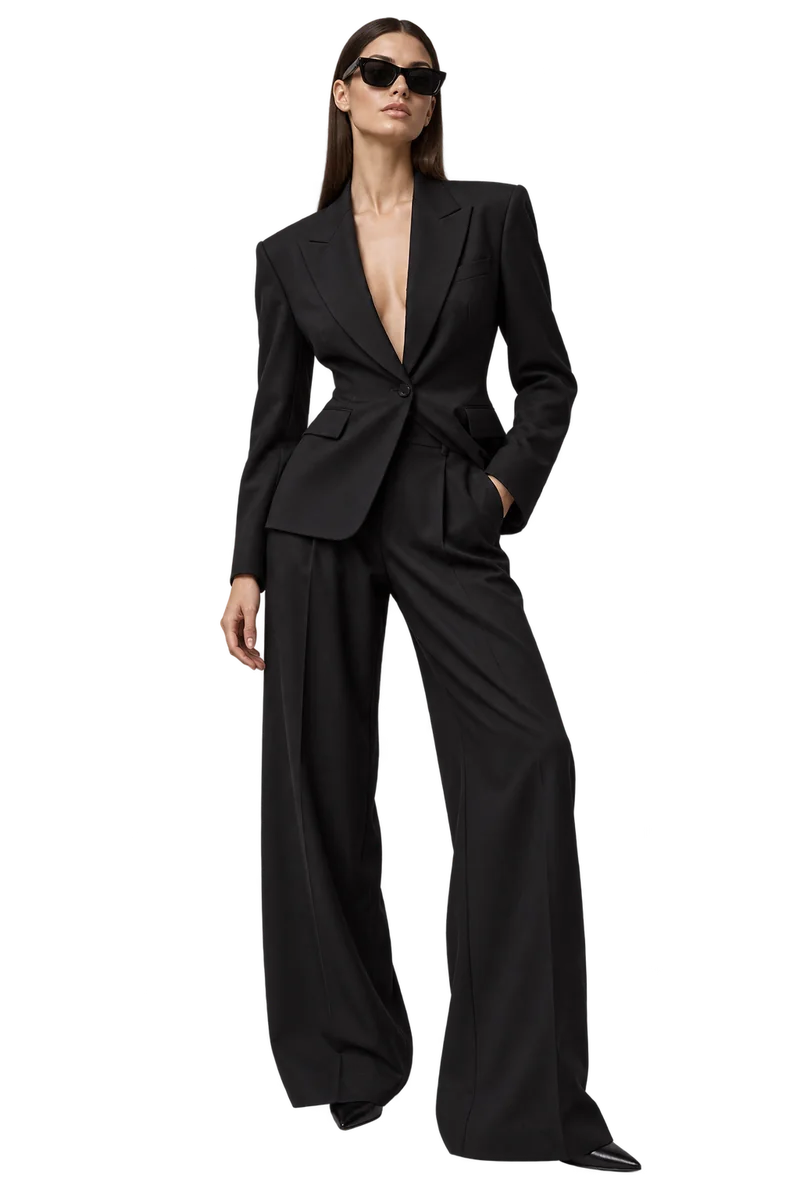

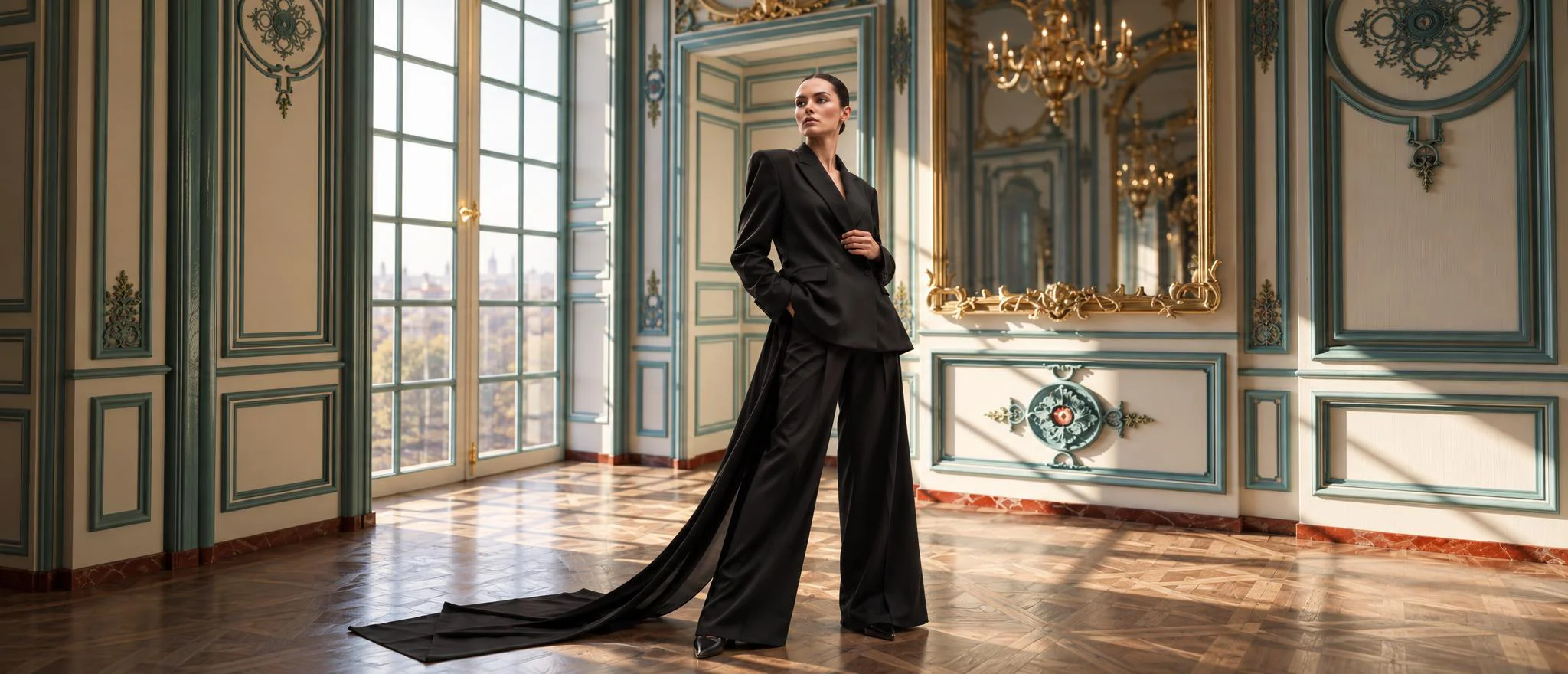

Setting · Centre de Recherche du Château de Versailles
Any subject. Fashion, leather goods, cars, tech: the same gesture.
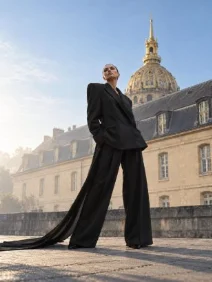
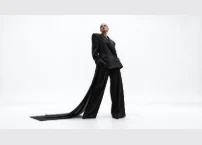
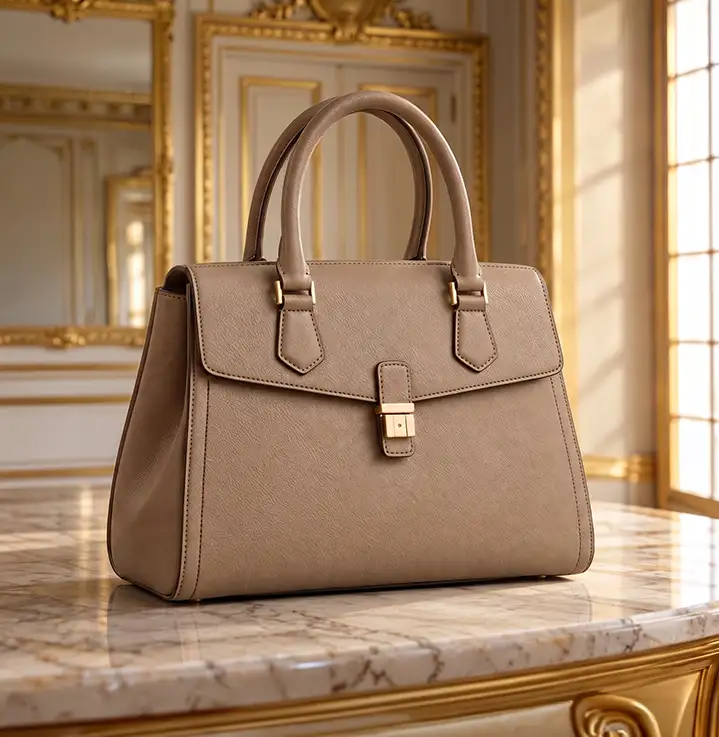





Compare, correct, reframe, extend: each image is finished where it was made.
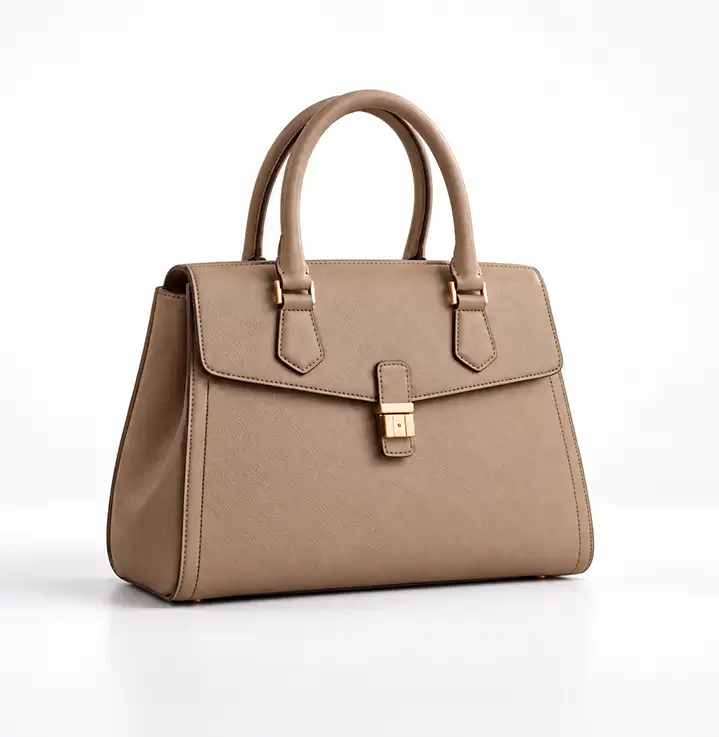 Source photoRender · Integrated
Drag to check the leather, the stitching, the light.
DSC_0412.jpgReceived from the set · 6000 × 4000Focal length, aperture, camera: each shot keeps its settings, and the render respects them.
In a few words, or in one click.
Four levels of respect for the source photo. Save your team’s presets.
DSC_0412.jpgReceived · 80 mm · f/5.6DSC_0413.jpgSending…They upload from the set; your team composes from the office.
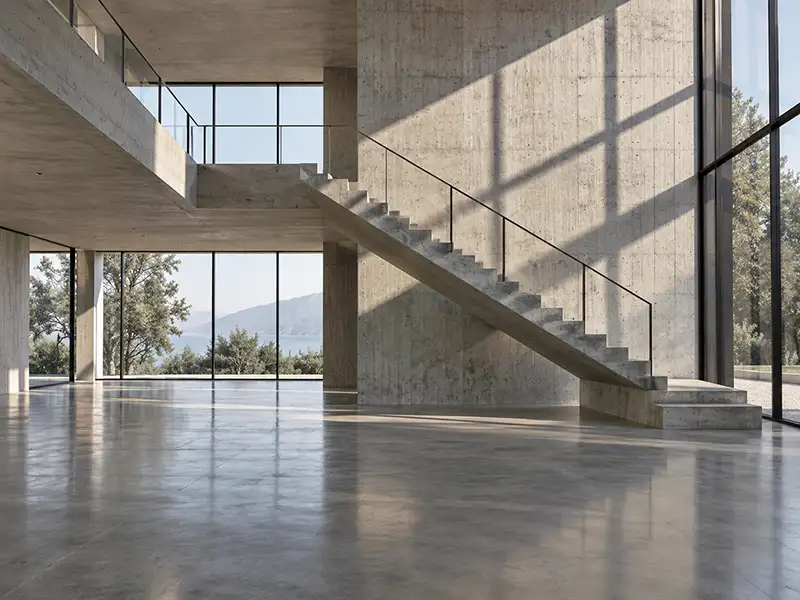
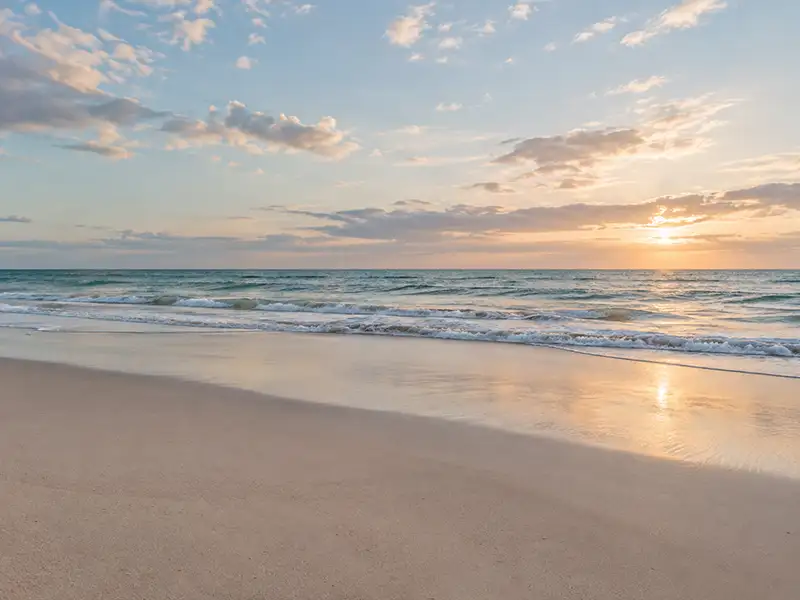
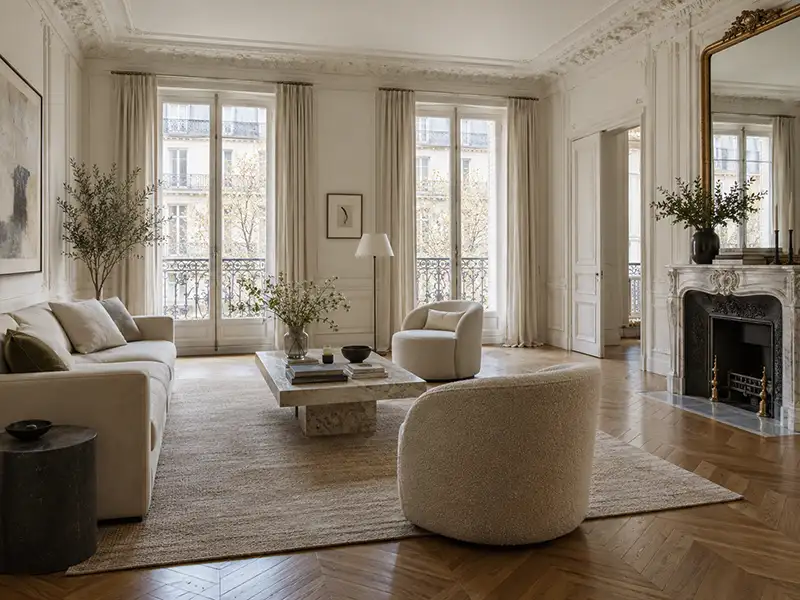
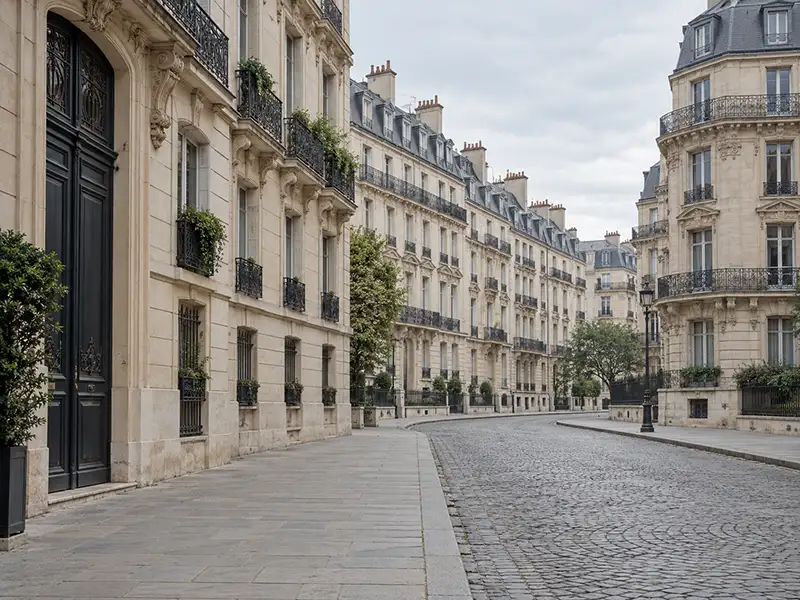
Generated, real or imaginary: the same gesture for all three. New places arrive regularly.
Describe it, or start from a location type, family by family.
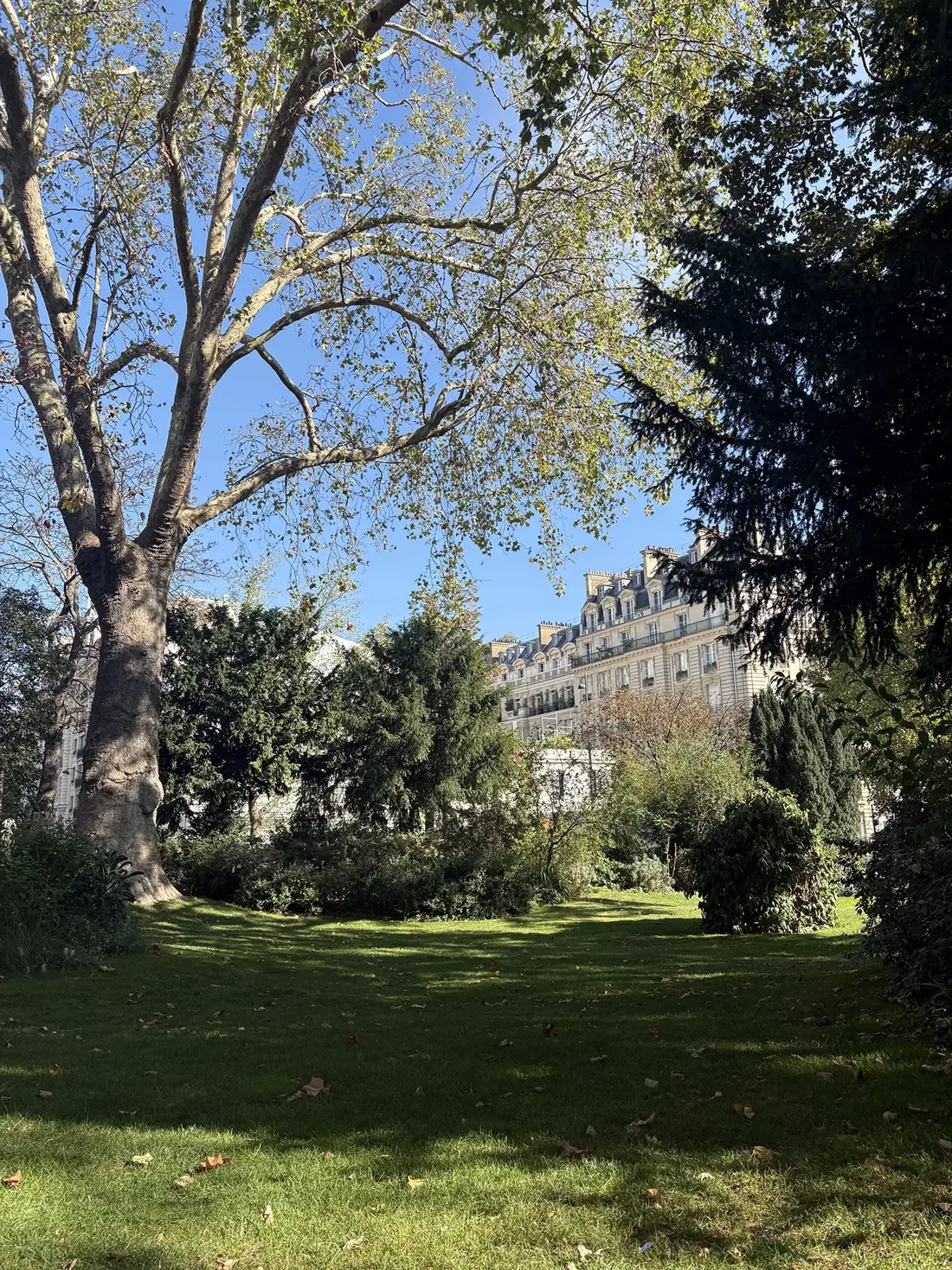
A place that exists: a NADKA photograph, or one of your own images.
Photo · NADKA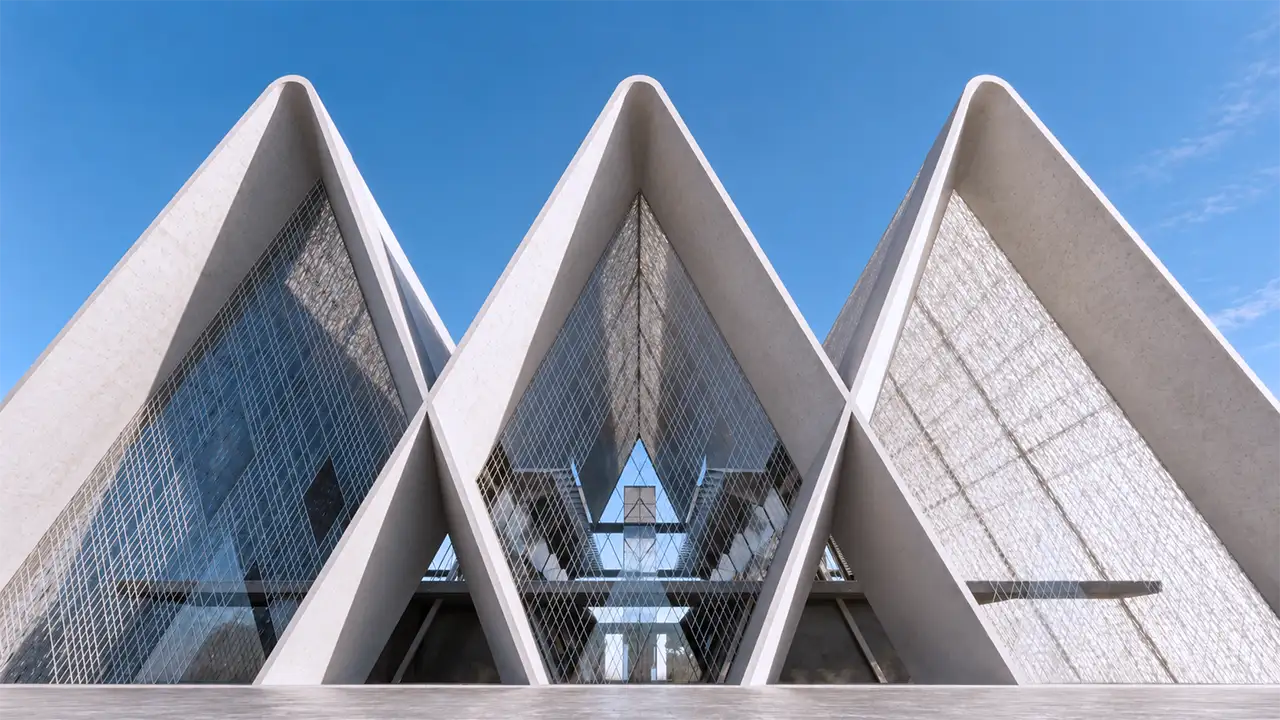 Licence
 Licence
 Licence
Unbuilt projects signed by great architects and designers, rebuilt in 3D. Rights negotiated with creators and institutions.
Explore the catalogue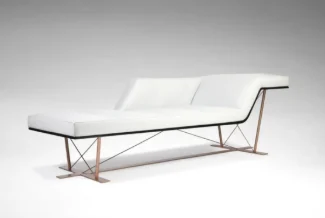
Add a piece to the setting: described, chosen from a list, photographed, or authored.
Furniture · Wilmotte & IndustrieEvery setting of a real shoot, in the order you think of it.
Tap an icon to open its step.
Drop your own PNG templates. Every image appears in each format, and follows every change.


Your settings travel with the image into every template.
No app, no seat: your client follows the images on their phone.
 Anne L. commentedPool, modernist villa · 2 min
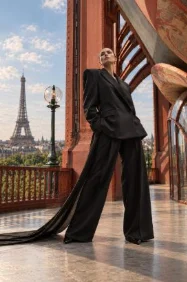 Anne L. kept an imageArt nouveau balcony · 6 minPaul D. commentedGilded salon · yesterdayPool, modernist villaAutumn campaign · 2 comments
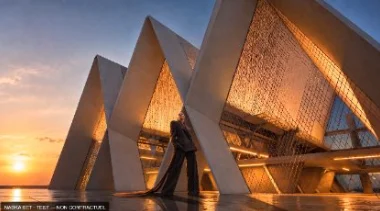 New render · Sunset
Owner, administrators, creatives. Viewers take no seat.
One balance for the team, a monthly limit per person if you wish.
Each brand, each campaign, in its own space.
Required for everyone who manages the team.
Free trial on request: about 100 images over 30 days, to evaluate.
Request a trial Book a demonstration